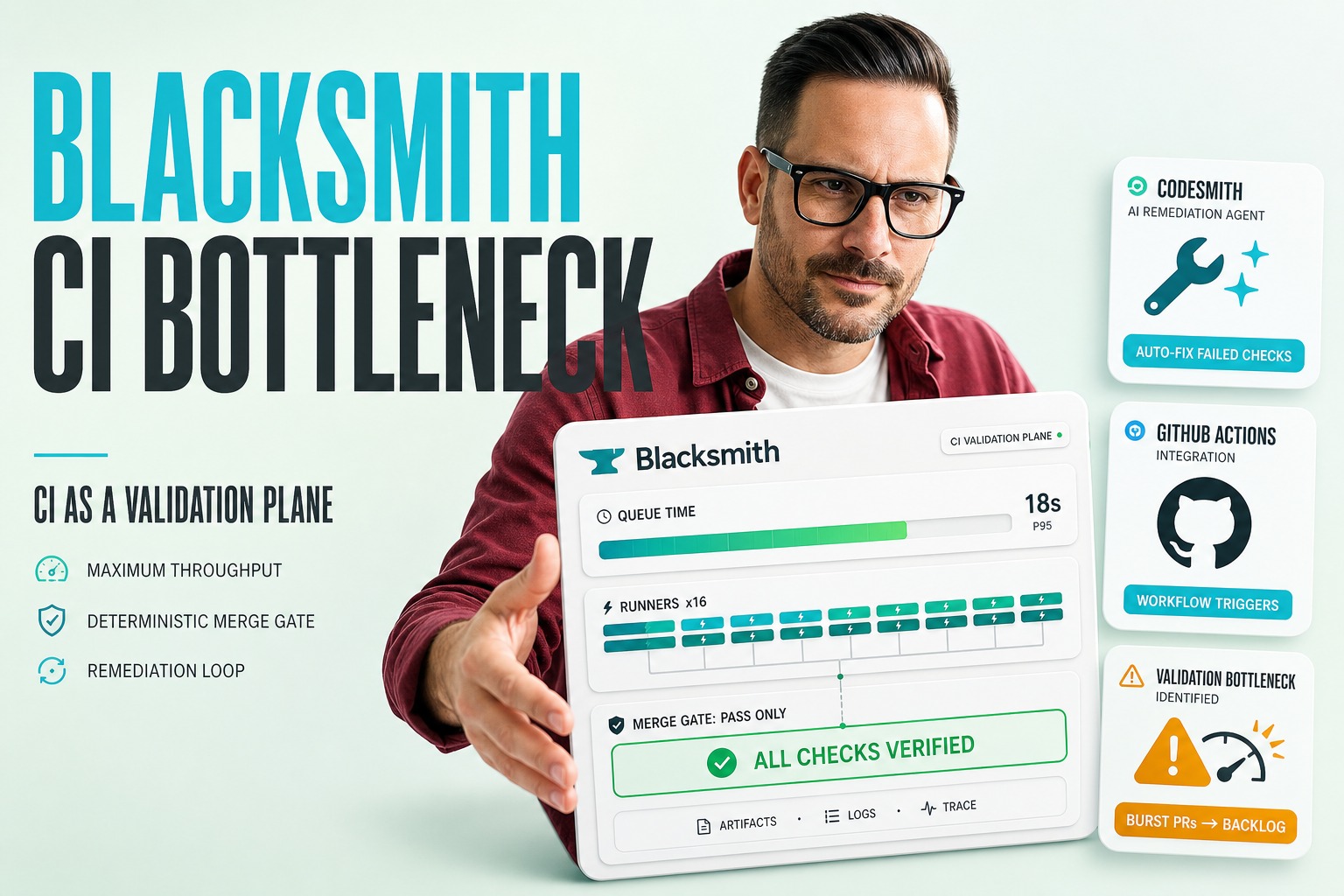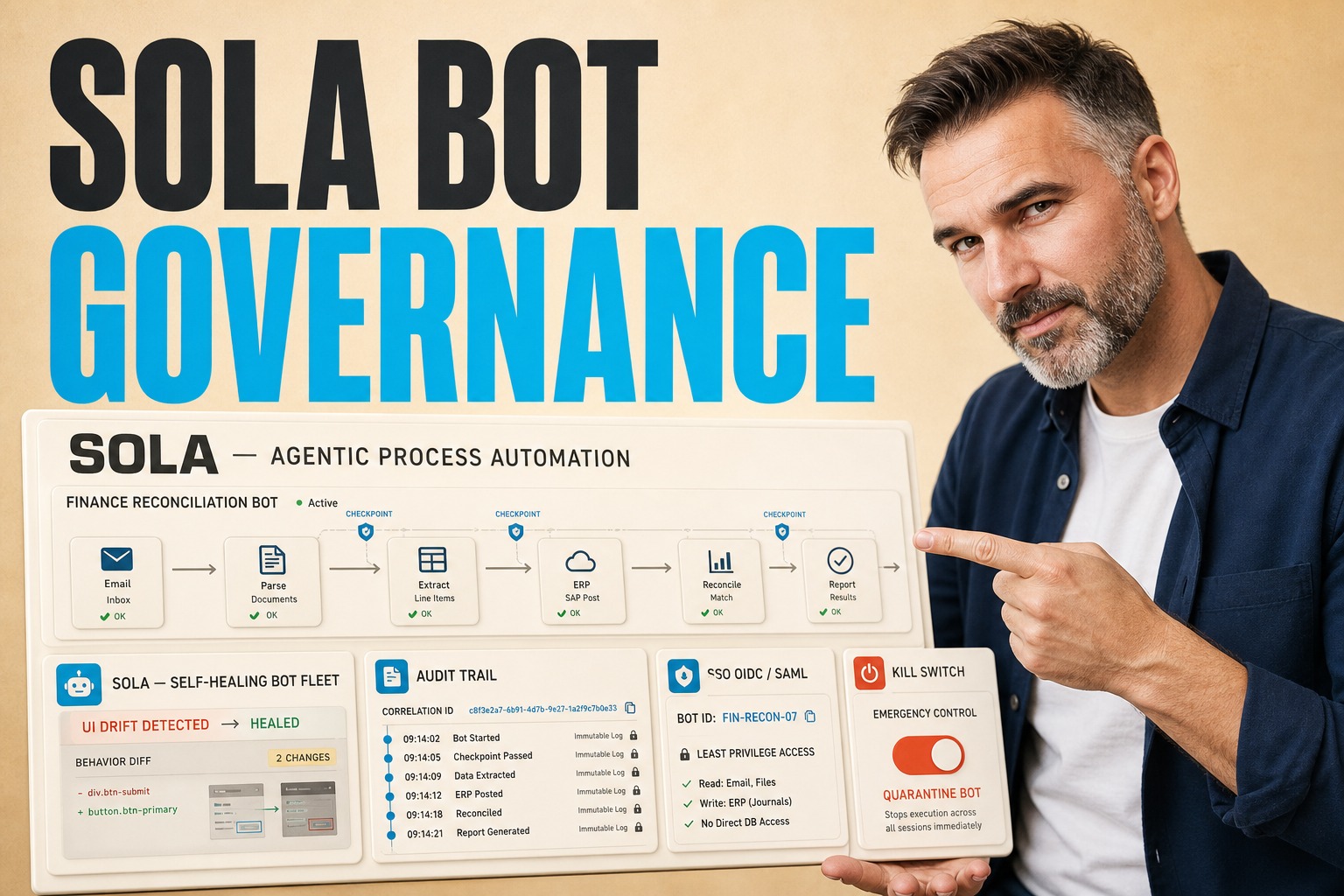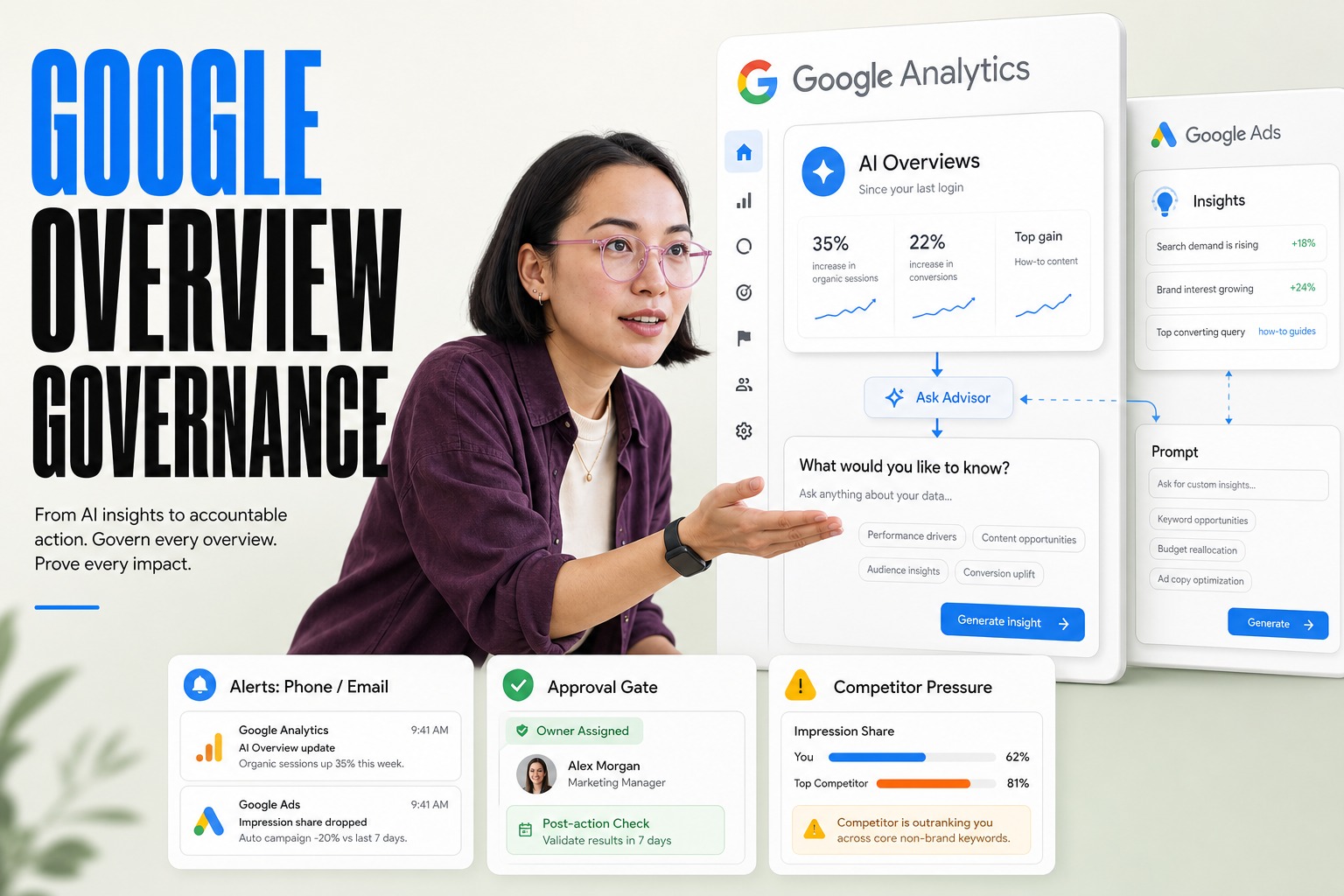
This week, Anthropic released an upgrade to Claude that fundamentally changes how we interact with productivity tools: the ability to carry context across Microsoft Excel and PowerPoint without losing track of the conversation. While this looks like a simple feature update on the surface, it signals a massive shift in the enterprise AI stack. We are moving from isolated, single-session chat interfaces toward persistent, stateful orchestration layers that live inside and across your productivity suite.
Introduction
For engineering leaders, this isn’t just about a smarter chatbot. It introduces a new architectural challenge: maintaining state consistency between a cloud-based inference engine and local, stateful desktop applications. The risk is no longer just hallucination; it is data corruption. If an AI agent misinterprets a cell reference in a financial model or overwrites a slide master based on a stale context window, the business impact is immediate and tangible. We are entering an era where the AI must understand the application state as rigorously as it understands the user prompt.
Plavno’s Take: What Most Teams Miss
Most teams view this advancement as merely "better plugins." They assume that connecting an LLM to Excel is just a matter of calling an API to read a cell range. This is a dangerous oversimplification. The core challenge that most architects miss is State Synchronization.
When an AI operates across multiple applications, it creates a distributed system problem where the "source of truth" is constantly shifting. The user might edit a cell in Excel while the AI is generating a paragraph in PowerPoint. If the AI’s context window is not perfectly synchronized with the live file state, it will make decisions based on ghost data. We see teams getting stuck here because they treat the integration as a one-way pull (Read → Process → Write) rather than a bi-directional, event-driven stream. In production, this leads to "version conflicts" where the AI overwrites user inputs or creates circular dependencies in spreadsheets that are nearly impossible to debug. The complexity isn't the model; it's the plumbing that keeps the model’s reality aligned with the user’s desktop.
What This Means in Real Systems
Implementing cross-application context requires a robust middleware architecture that sits between the LLM and the native application APIs (like Microsoft Office Interop or Google Sheets API). You cannot simply rely on the model’s long context window to "remember" the file. You need a State Management Layer.
In a production environment, this layer typically involves a few critical components. First, a File Watcher or Change Data Capture mechanism that detects local modifications and triggers context updates. Second, a Diff Engine that translates the LLM’s intent (e.g., "make these numbers pop") into specific, non‑destructive API calls (e.g., modifying cell fill color without altering the formula). Finally, you need an Orchestration Queue to manage the sequence of operations. If the AI needs to update a chart in PowerPoint based on new data in Excel, the system must ensure the Excel write operation is committed, the file is saved, and the new data is ingested by the PowerPoint rendering engine before the chart update is attempted.
Architecturally, this often looks like a local daemon (Electron or Rust‑based) running on the user's machine, communicating with a cloud‑based inference service. This introduces latency constraints. If a user expects real‑time feedback, the round‑trip time—local read → cloud inference → local write—must be optimized, often requiring streaming responses and partial updates to keep the UI responsive. Failure modes here include "race conditions" where simultaneous edits by user and AI corrupt the file structure, and "API throttling" when bulk operations (like formatting 10,000 rows) hit rate limits on SaaS platforms.
Why the Market Is Moving This Way
The market is pushing toward this "embedded" AI experience because the "swivel‑chair" workflow—copying data from a database, pasting it into a prompt, and manually copying the result back—is operationally unsustainable. The technical catalyst is the maturation of Tool Use (or function calling) capabilities in models like Claude 3 and GPT‑4o. These models can now reliably structure their output to match complex API schemas, allowing them to navigate the hierarchical object models of applications like Excel (Workbooks → Worksheets → Ranges → Cells).
Furthermore, the explosion of context window sizes (200k+ tokens) makes it technically feasible to include significant portions of a document’s structure in the prompt without aggressive chunking strategies that lose semantic meaning. We are seeing a shift from "Retrieval‑Augmented Generation" (RAG) over static documents to "State‑Augmented Generation" over live applications. The industry is realizing that to unlock true productivity, the AI cannot be a visitor to the data; it must be a participant in the workflow, capable of manipulating the data directly where it lives.
Business Value
The business value of cross‑application context is measured in workflow compression. In traditional enterprise workflows, analysts spend a disproportionate amount of time on low‑value logistics: formatting slides, transcribing numbers from CSVs to slides, and updating charts. By automating the transfer of insight between tools, we reduce the friction between "analysis" and "presentation".
Consider a typical M&A scenario. An analyst might spend 4 hours updating a pitch deck after a financial model changes. With a cross‑application agent, the time to update the deck can be compressed to 15–20 minutes. The AI reads the changed cells in the Excel model, identifies the dependent charts in the PowerPoint deck, and updates the data series and associated commentary text automatically. In our pilots, we’ve observed that teams implementing these patterns can reduce the "time‑to‑report" by 60–80% for recurring deliverables. However, this comes with a cost trade‑off: increased API usage. Processing entire spreadsheet contexts for every interaction is token‑intensive. We estimate that heavy usage of these cross‑app features can increase per‑user AI costs by 2–3× compared to simple chat, requiring strict governance to prevent "runaway" token consumption on trivial formatting tasks.
Real‑World Application
Financial Planning & Analysis (FP&A)
In FP&A, the integrity of the Excel model is paramount. A cross‑application agent can monitor the Excel model for anomalies and, when a variance is detected, draft a summary slide in PowerPoint highlighting the deviation. The value here is speed and consistency; the narrative in the deck is always mathematically consistent with the source data. The risk is the agent inadvertently breaking a formula chain in Excel if it has write‑access, so most implementations start with "read‑only" analysis and "suggest‑only" slide updates.
Legal Contract Review
Legal teams often work in Word but perform calculations in Excel for damages or lease abstracts. An agent can extract specific clauses from a Word document (e.g., termination dates), populate a tracker in Excel, and then generate a risk heatmap in PowerPoint. This bridges the gap between unstructured text (contracts) and structured data (Excel), a workflow that traditionally required manual data entry.
Sales Operations
Sales leaders frequently update CRM data which then needs to be reflected in weekly performance decks. An agent can query the CRM (via API), pull the metrics into a standardized Excel template, and refresh the executive summary slide deck. This ensures that the leadership team is always looking at fresh data, eliminating the "Tuesday morning scramble" to update slides before the weekly meeting.
How We Approach This at Plavno
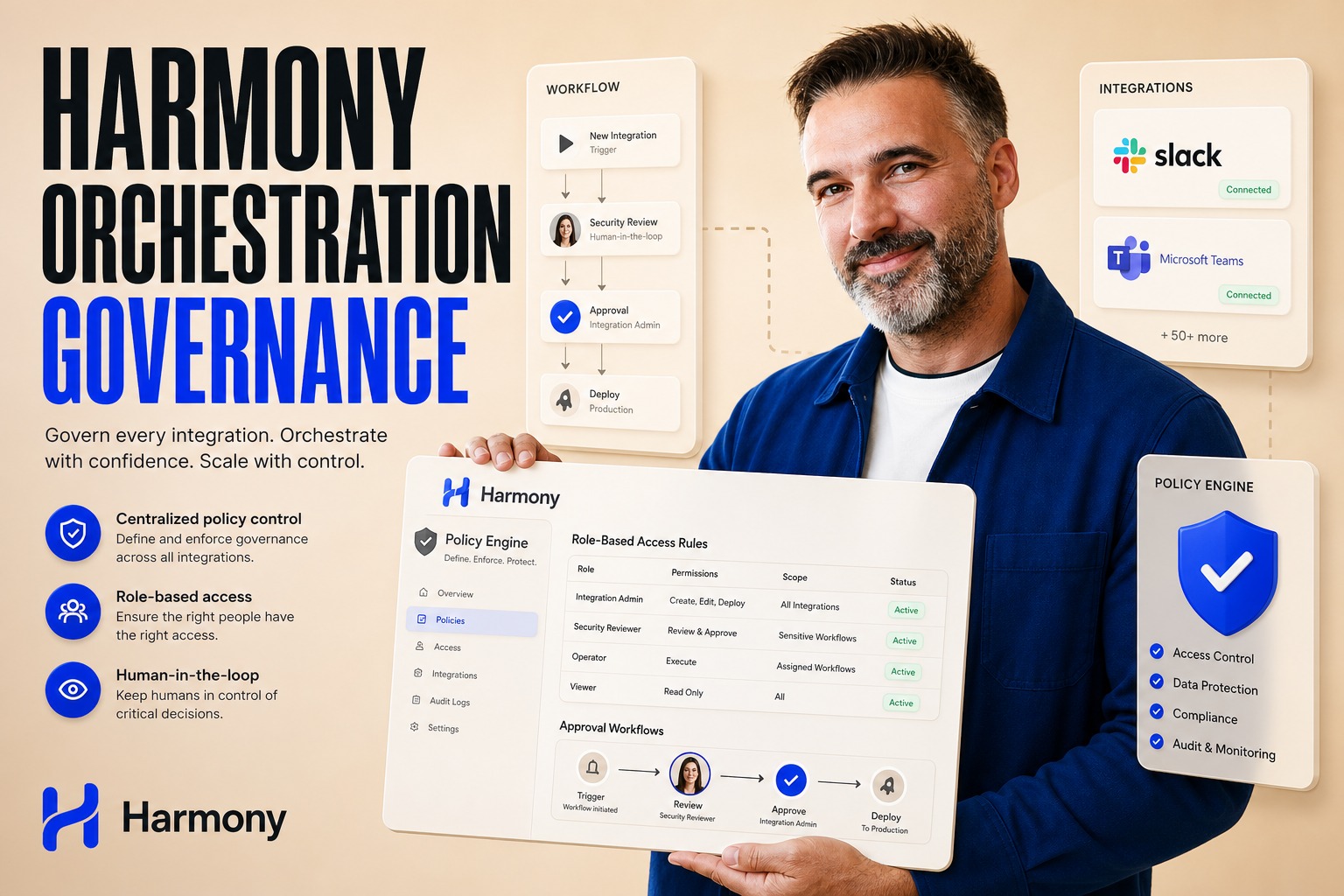
At Plavno, we approach cross‑application AI with a strict "Human‑in‑the‑Loop" and "Immutable Source" philosophy. We never allow an AI to write directly to a production database or a master financial file without an explicit approval step. When we design these systems, we implement a "Staging Area" pattern. The AI performs its operations in a sandboxed copy or a draft version of the document. The user then reviews a "Diff View"—a redline comparison showing exactly what changed—before committing those changes to the master file.
We also prioritize Observability. Every cross‑application action—reading a range, writing a cell, updating a slide—is logged as a discrete event. This allows us to audit the AI’s behavior and debug issues when (not if) the logic goes awry. We leverage AI automation frameworks that treat the desktop applications as state machines, ensuring that the AI’s actions are deterministic and reversible. By treating the integration as a software engineering problem rather than a prompt engineering problem, we build systems that are reliable enough for enterprise deployment.
If you are looking to implement cross‑application context in your organization, start by auditing your API surface area. Do your critical tools (Excel, Salesforce, Slack) have robust, well‑documented APIs that support the granular read/write operations you need? If you are relying on screen scraping or brittle UI automation, the system will fail.
Second, define your State Governance Policy. Decide explicitly what the AI is allowed to change without permission (e.g., font color) and what requires a sign‑off (e.g., changing a revenue figure). Implement these as hard constraints in your orchestration layer, not just as instructions in the system prompt.
Finally, pilot with "Read‑First" use cases. Start by building an agent that can read data from one app and generate content in another, without modifying the source. This allows you to validate the accuracy of the context transfer and the value of the workflow before you introduce the operational risks of write‑access. If you need help defining this architecture, our AI consulting team can help you map the failure modes before you write a single line of code.
Conclusion
The release of cross‑application context capabilities in tools like Claude is a tipping point. It moves AI from a passive assistant to an active operator within the business stack. However, the complexity of maintaining state across disparate applications is non‑trivial. The winners in this space will not be those with the best models, but those who build the most robust, secure, and observable middleware to bridge the gap between the model and the messy reality of enterprise software. If you are ready to move beyond simple chatbots and build integrated AI workflows, explore our custom software development services to engineer a solution that respects your data integrity.