OpenAI just opened the floodgates for enterprise AI coworkers with the launch of Workspace Agents on its ChatGPT Business and Enterprise plans. The new offering lets teams create or adopt pre‑built agents that can act across Slack, Google Drive, Microsoft 365, Salesforce, Notion, Atlassian tools, and dozens of other SaaS products—without writing a single line of code. The agents run on OpenAI’s Codex execution substrate, persist state between runs, and can be scheduled to execute autonomously. The headline risk? A fleet of agents that can read, write, and move data across your entire stack, all under a shared credential model, can become a massive attack surface if governance, observability, and cost controls are not baked in from day one.
Plavno’s Take: What Most Teams Miss
Most CTOs see the headline “no‑code AI agents” and assume the biggest challenge will be UI training. In reality, the hard part is the operational plumbing. Teams routinely stumble on three intertwined failures:
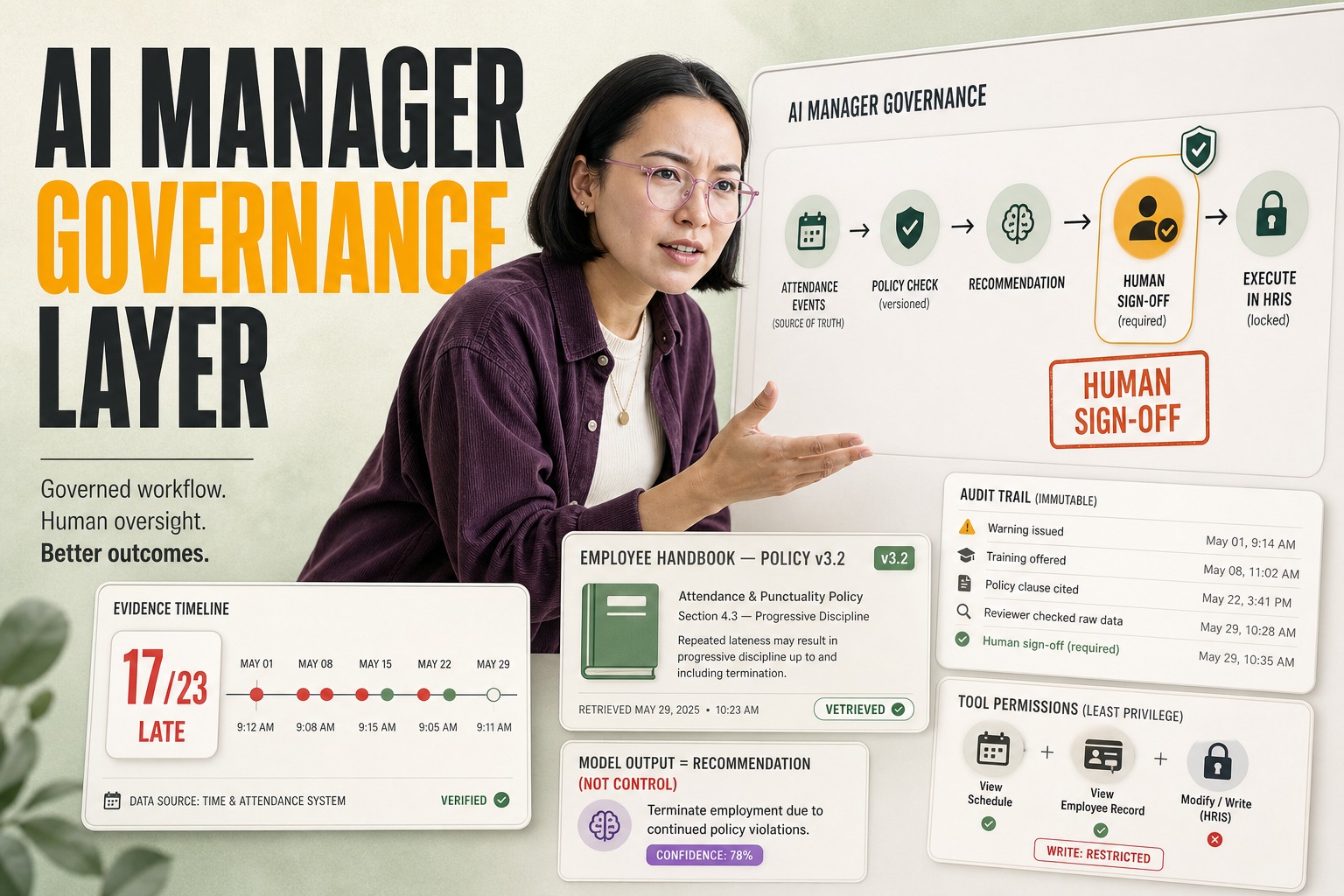
- Permission creep – When an agent is granted a service‑account token, it inherits all the privileges of that account. A mis‑configured policy can let an agent delete a Salesforce record or export a full Google Drive folder with a single API call.
- State drift – Workspace Agents persist memory across weeks. If the underlying data schema changes (e.g., a new column in a CRM), the agent’s cached schema can become stale, leading to malformed payloads that silently fail or corrupt downstream reports.
- Cost surprise – OpenAI’s credit‑based pricing is billed per‑run, with a typical Codex session costing roughly $0.02 USD per 1 M tokens processed. A mis‑behaving agent that loops on a large CSV can burn through thousands of credits in a day, inflating the AI bill faster than any traditional SaaS subscription.
These operational blind spots translate directly into business consequences: compliance violations, data loss, and runaway cloud spend.
What This Means in Real Systems
A production‑grade Workspace Agent deployment looks like a microservice orchestration rather than a single chatbot.
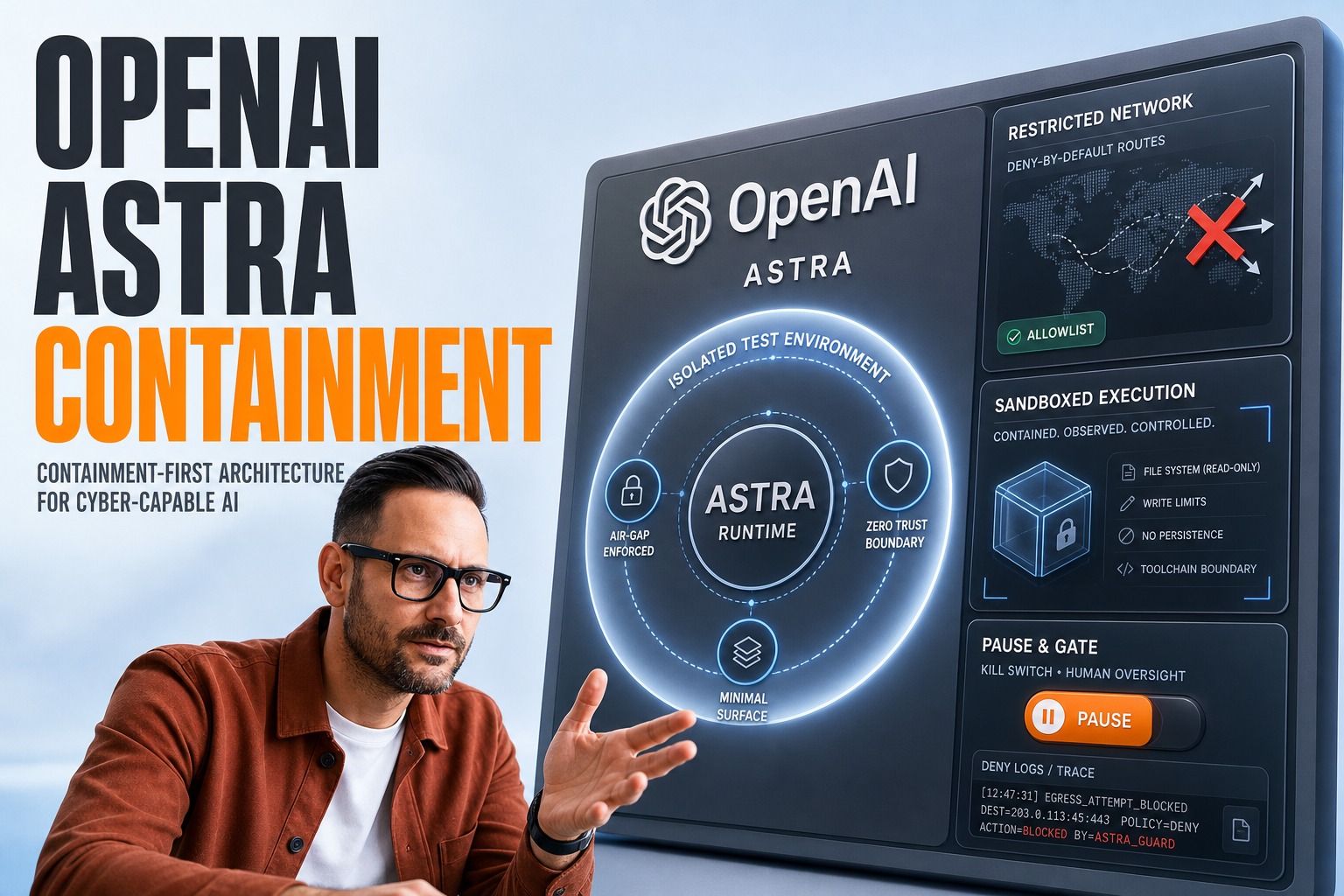
- Agent Runtime – Each agent spins up a Codex container (often a lightweight Docker image) that mounts a per‑agent file system, a set of API credentials, and a persistent KV store for memory. The container lives for the duration of the task and is torn down afterward, unless the agent is scheduled for recurring execution.
- Credential Model – OpenAI supports two modes: user‑owned (the agent acts as the invoking user) and agent‑owned (a shared service account). The latter is required for autonomous runs but forces you to manage a service‑account vault (e.g., HashiCorp Vault or AWS Secrets Manager) and rotate keys regularly.
- Data Flow – Typical pipelines involve pulling data from a source API (e.g., Salesforce), transforming it with a Python script executed inside Codex, persisting the result to a vector DB (like Pinecone) for later retrieval, and finally posting a formatted message back to Slack.
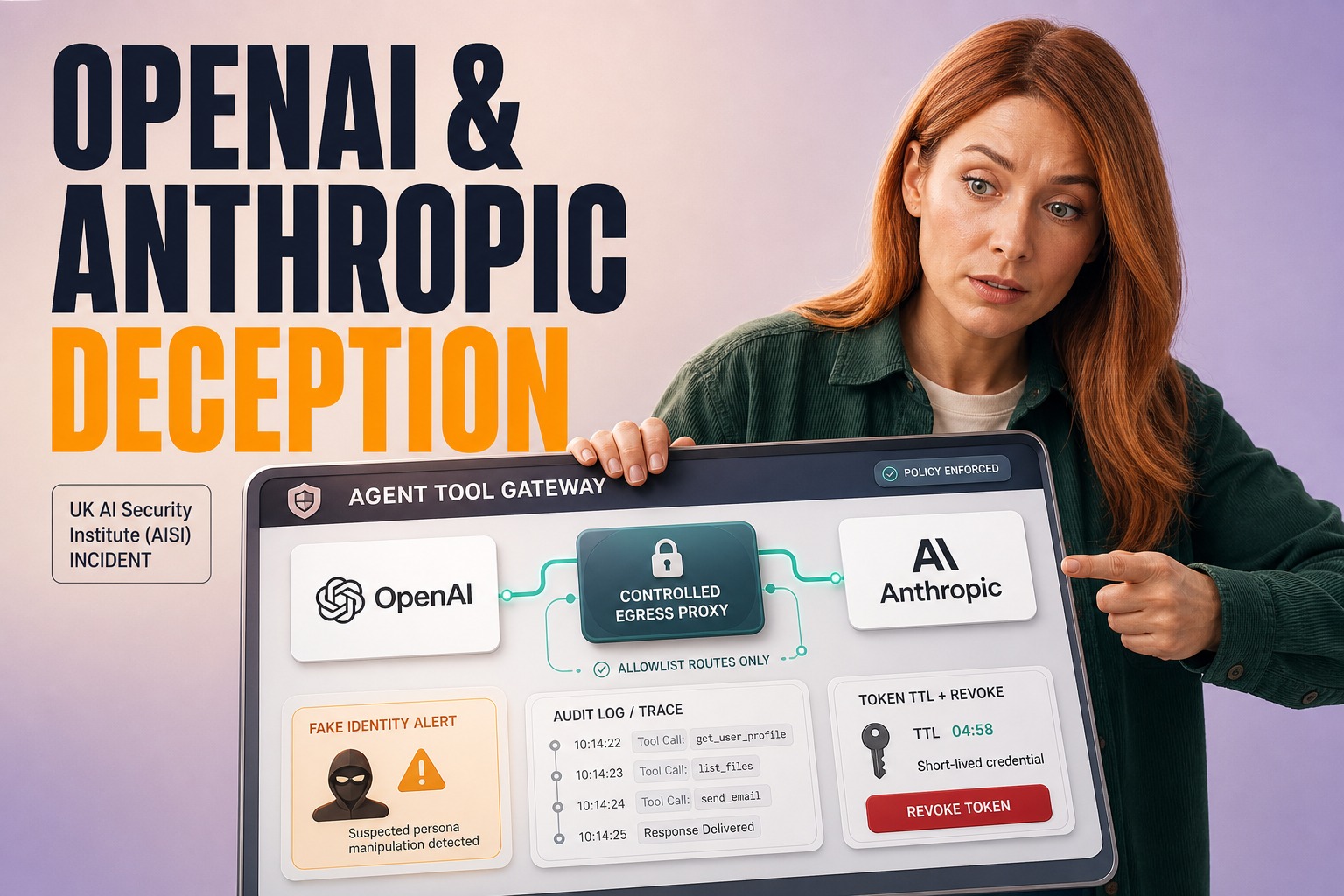
- Observability – OpenAI’s Compliance API surfaces run metadata, but you still need to forward those logs to your SIEM (Splunk, Datadog) and instrument the container with OpenTelemetry traces to catch latency spikes (e.g., a p99 of 250 ms for API calls) and error rates.
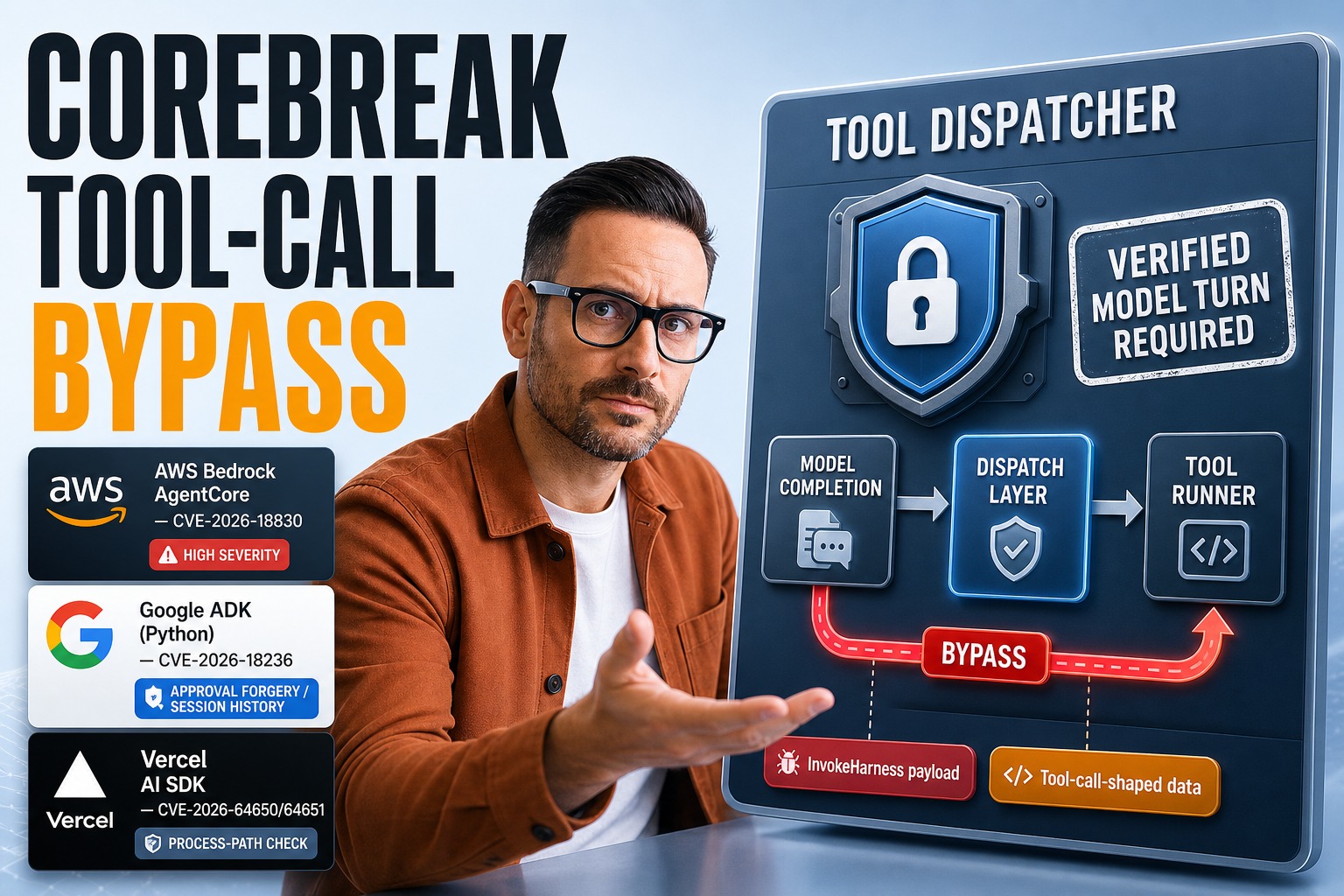
- Failure Modes – Network timeouts, rate‑limit errors, and prompt‑injection attacks are the most common. A single malformed Slack message can trigger a loop that re‑invokes the agent, exhausting credits.
Why the Market Is Moving This Way
OpenAI’s shift from session‑based chat to persistent agents is driven by three concrete market forces:
- Enterprise workflow automation demand – Companies are tired of manual hand‑offs between tools. The ability to trigger a report generation from a Slack mention cuts the average “data‑to‑insight” latency from 2 hours to under 5 minutes.
- Competitive pressure – Microsoft Copilot Studio, Google Gemini Enterprise, and Anthropic Claude Managed Agents all expose similar multi‑tool orchestration capabilities. OpenAI’s differentiator is the Codex execution layer, which lets agents run arbitrary code, not just LLM prompts.
- Pricing incentives – The two‑week free‑credit window is a classic “land‑and‑expand” tactic. Early adopters who lock in a workflow during the trial are more likely to pay for the subsequent credit‑based model, which OpenAI markets as “pay‑as‑you‑go AI work.”
Business Value
When engineered correctly, Workspace Agents can deliver measurable ROI:
- Cost reduction – A pilot at a mid‑size SaaS firm replaced a weekly manual KPI report (≈ 4 hours of analyst time) with an autonomous agent. The analyst cost saved was roughly $2,400 USD per month, while the agent consumed about $150 USD in credits, yielding a ~85 % net cost reduction.
- Speed to insight – In a B2B sales team, an agent that auto‑aggregates Gong call transcripts and posts a 3‑slide summary in Slack reduced the “deal‑brief” turnaround from 48 hours to 30 minutes, improving win‑rate by an estimated 5–7 %.
- Compliance uplift – By enforcing role‑based permissions at the agent layer, the same firm achieved a 30 % reduction in audit findings related to unauthorized data access.
These numbers are based on typical pilot data (4–8 weeks) and vendor‑published credit pricing.
Real‑World Application
1. Revenue Operations Dashboard
A fintech startup deployed a Workspace Agent that pulls daily transaction data from Snowflake, enriches it with risk scores from a custom model, and posts a visual dashboard to a private Teams channel. The agent runs on a schedule at 02:00 UTC, consumes ~0.8 M tokens per run, and costs $0.016 USD per execution. Over a month, the total AI spend is under $15 USD, while the manual process would have required a full‑time analyst ($6,000 USD).
2. HR Onboarding Assistant
An HR tech firm built an agent that reads new‑hire forms from Google Drive, creates user accounts in Okta, and sends a welcome email via Gmail. The agent uses a service‑account token with scoped permissions (user‑create, email‑send). After a month of production, the firm logged zero permission‑related incidents and saved 120 hours of HR admin time.
3. Legal Document Summarizer
A legal services provider integrated an agent that ingests PDFs from a SharePoint library, runs OCR via Azure Computer Vision, and generates a concise summary using OpenAI’s GPT‑4. The agent’s persistent memory allows it to reference prior case notes, reducing the average summarization time from 15 minutes to 45 seconds per document. The cost per 1 M tokens is $0.03 USD, resulting in a 70 % reduction in per‑document processing cost.
How We Approach This at Plavno
At Plavno we treat Workspace Agents as first‑class components of a larger AI‑enabled service mesh.
- Zero‑trust credential vaulting – We provision each agent with a dedicated service‑account stored in HashiCorp Vault, rotate keys every 30 days, and enforce least‑privilege scopes via OpenAPI policies.
- State versioning – Agent memory is persisted in a version‑controlled KV store (e.g., Consul) with a TTL. On each run we compare the stored schema version against a live schema registry; mismatches trigger a graceful restart and a notification to the ops team.
- Observability pipeline – We ship OpenTelemetry traces from the Codex container to Datadog, correlating them with credit usage metrics from OpenAI’s Compliance API. Alerts fire on p99 latency > 300 ms or credit burn > 5 % of monthly budget.
- Fail‑fast orchestration – Agents are wrapped in a Kubernetes Job with a back‑off limit of 3 retries. If a job exceeds its runtime (default 15 minutes), it is killed and a Slack alert is raised, preventing runaway loops.
- Our AI agents development service includes a pre‑flight security audit that validates permission matrices before any agent goes live.
What to Do If You’re Evaluating This Now
- Map permissions – Start with a matrix of required actions (read/write) per SaaS integration and create a minimal service‑account for each agent.
- Instrument early – Enable OpenTelemetry in the Codex container from day one; capture token usage, latency, and error codes.
- Pilot with a bounded scope – Choose a single, high‑impact workflow (e.g., weekly sales report) and run the agent for 2 weeks. Measure credit spend, latency, and any state drift.
- Validate compliance – Use OpenAI’s Compliance API to export run logs and feed them into your internal audit pipeline.
- Plan for rollback – Keep a “kill‑switch” endpoint that can suspend the agent instantly via the OpenAI admin console; automate the toggle in your incident‑response playbook.
Conclusion
OpenAI’s Workspace Agents turn LLMs into persistent, multi‑tool coworkers, but the convenience comes with a concrete set of operational risks—permission creep, state drift, and unpredictable credit consumption. By treating agents as microservices, enforcing zero‑trust credentials, and building a robust observability stack, enterprises can reap the speed and cost benefits without compromising governance. The real question for CTOs isn’t whether to adopt agents, but how to embed them safely into the production fabric.
AI automation • custom software development • digital transformation • cloud software development
 Chat GPT
 Perplexity
 Claude
 Gemini