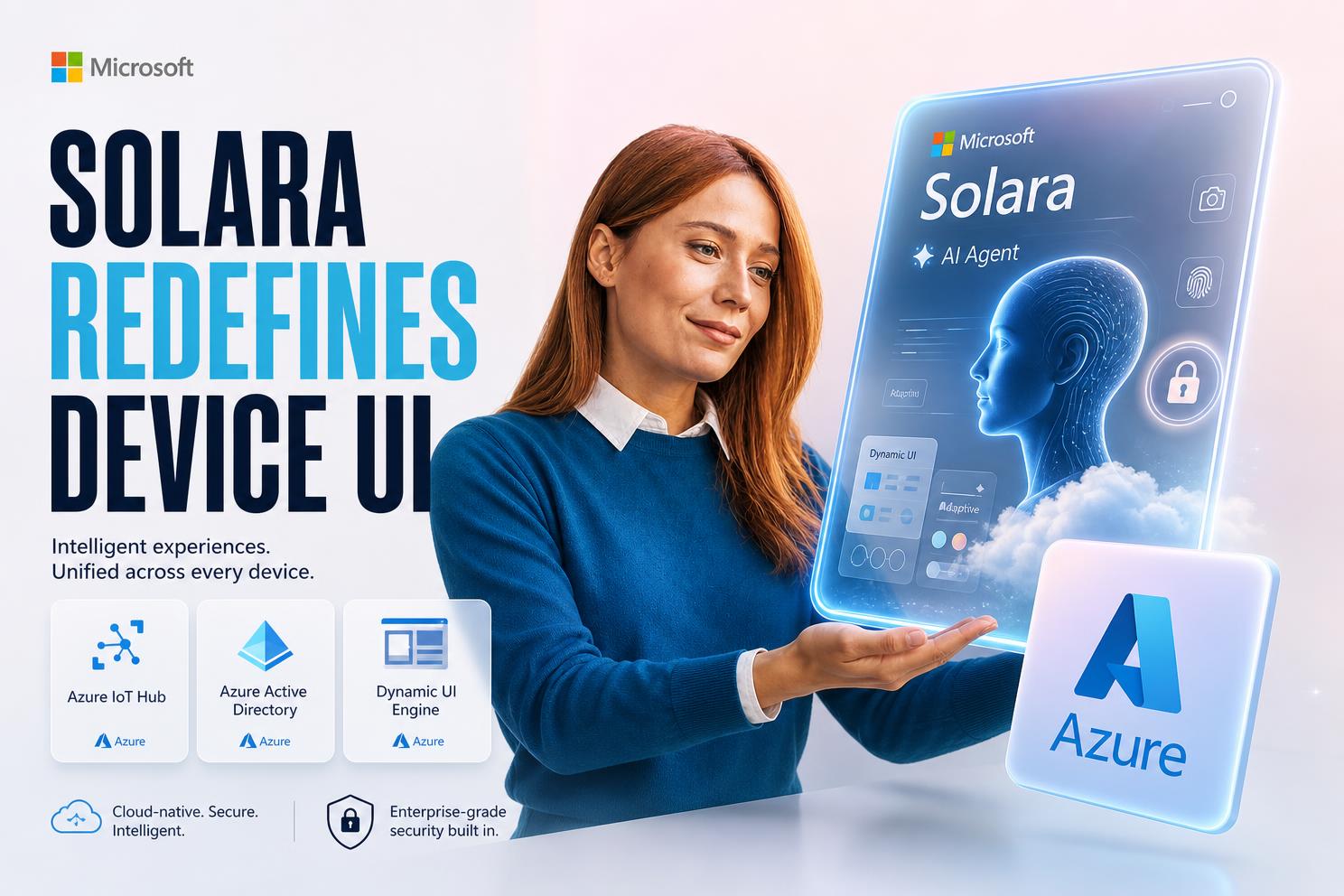
What is Microsoft Solara and how does it differ from Android? → Solara is a new Android‑based OS built for AI‑agent powered devices, replacing traditional app‑centric interfaces with natural‑language driven agents.
Why does Solara matter to enterprise CTOs now? → The OS signals a shift toward cloud‑managed, agent‑centric devices, demanding new deployment and security models.
What core decision will this week’s announcement force? → Leaders must choose whether to adopt an agent‑first architecture or continue investing in legacy UI stacks.
How will Solara change the way we build device software? → It makes UI generation a dynamic function of AI agents, turning UI design into a service‑level concern.
What Enterprises Must Know About Microsoft Solara’s Agent‑Centric OS
Solara, unveiled at Microsoft’s Build conference, is positioned as an Android‑based operating system that runs on devices whose primary interface is an AI agent rather than a conventional graphical shell. For enterprises, this means the traditional model of shipping a static app bundle for each device form factor is obsolete; instead, the OS expects a cloud‑hosted agent to render UI on‑the‑fly, handle commands, and orchestrate services. The quick answer for a CTO is that Solara forces a cloud‑first, agent‑orchestrated deployment strategy, and the success of any Solara project hinges on how well the organization can treat the device as a distributed AI service. Learn more about AI agents development, cloud software development, and digital transformation.
Why the UI‑as‑Agent Paradigm Breaks Traditional App Development
In the classic Android ecosystem, developers create separate UI layouts for each screen size, test them on emulators, and ship updates through the Play Store. Solara discards that workflow by allowing an AI agent to generate and adapt the display dynamically based on device capabilities—whether a badge‑sized wearable or a full‑size workstation. This fundamentally breaks the assumption that UI is a static artifact, shifting the engineering focus to agent orchestration, context‑aware rendering, and real‑time cloud interaction. Teams that cling to static UI pipelines will find themselves unable to deliver the promised seamless experience.
Key rule: When the UI is generated by an AI agent, the reliability of the agent’s orchestration layer becomes the primary performance determinant, not the size of the UI assets.
The Architecture Shift: From Device‑Bound Apps to Cloud‑Managed Agents
Solara’s design forces enterprises to think of each device as a thin client that streams UI and logic from a centrally managed agent service. This mirrors the way modern web applications offload rendering to the browser, but with the added complexity of continuous natural‑language interaction and sensor integration. The architecture now includes a cloud‑native agent runtime, a secure identity layer for each device, and a set of APIs that expose device sensors (camera, fingerprint, presence) to the agent. The right response is to adopt a cloud‑first development model, leveraging platforms like Azure IoT Hub and Azure Active Directory for identity and policy enforcement.
Dynamic UI Generation Across Form Factors
Solara’s dynamic UI engine lets a single agent description produce a touch‑optimized layout on a wearable badge, a larger touch screen on a desktop workstation, or even a voice‑only interface on a headless sensor hub. The agent queries the device’s screen dimensions, sensor suite, and connectivity profile, then composes a UI tree on the fly. This eliminates the need for separate XML layout files per device, but it also introduces a new failure surface: the agent must correctly interpret hardware capabilities in real time, or the user experience collapses.
Agent Identity and Security as Core Infrastructure
Because agents now hold identities, access tokens, and permissions, they become high‑value targets. Microsoft’s announcements highlighted a unified security console that can manage agents across heterogeneous environments, underscoring that protecting the agent’s credential store is as critical as hardening the underlying OS. Enterprises must integrate the agent identity lifecycle with existing IAM solutions, enforce least‑privilege policies, and audit every agent‑initiated action to satisfy compliance regimes.
Integrating Solara with Existing Enterprise Toolchains
Solara does not replace existing CI/CD pipelines; instead, it extends them. Build pipelines must now package agent logic, model artifacts, and policy definitions alongside traditional binaries. Teams can use Azure DevOps to orchestrate builds, but they must also provision secure containers for the agent runtime, configure network policies, and validate that the agent’s language model complies with corporate data handling rules. This integration adds complexity but also offers a unified path to deploy AI‑enhanced experiences across the organization.
- Redefine UI ownership – UI is no longer a static asset; it lives in the agent’s runtime.
- Invest in agent orchestration – Reliability now depends on cloud latency and scaling.
- Upgrade identity management – Agents need distinct, revocable credentials.
- Align CI/CD – Pipelines must handle model artifacts and policy bundles.
- Plan for sensor diversity – Agents must dynamically discover and adapt to hardware.
Evaluating the Cloud‑First Deployment Model
Adopting Solara means committing to a cloud‑first posture where device firmware is minimal and most logic runs in a managed agent service. The benefits include rapid iteration, centralized security updates, and the ability to push new capabilities without flashing devices. However, organizations must assess network reliability, latency budgets, and data residency requirements. A pragmatic approach is to pilot Solara on a limited set of devices—such as field‑worker wearables—and measure the end‑to‑end latency of agent‑driven UI updates under real‑world conditions.
| Aspect | Traditional Android | Solara (Agent‑Centric) |
|---|---|---|
| UI Delivery | Pre‑packaged XML/layout files | Dynamic generation by AI agent |
| Update Model | Play Store APK rollout | Cloud‑side agent logic refresh |
| Security Focus | App sandboxing | Agent identity and credential management |
| Development Tooling | Android Studio, Gradle | Azure DevOps with agent runtime containers |
| Deployment Architecture | Device‑bound binaries | Thin‑client devices with cloud‑managed agents |
Choosing the Right Development Toolkit
Microsoft’s new development toolkit bundles a secure runtime for agents, local language model support, and APIs for sensor access. Enterprises should evaluate this toolkit against existing Azure services, ensuring that the runtime can be hosted in a compliant Azure Kubernetes cluster and that the local language model can be fine‑tuned on proprietary data. Selecting the right toolkit reduces integration friction and provides a clear path to embed Solara agents within existing enterprise workflows.
Assess readiness – Audit current device fleet for compatibility with Solara’s hardware requirements.
Prototype agent logic – Build a minimal agent that renders a simple UI on a test device.
Secure identity – Integrate the agent with Azure Active Directory and define scoped permissions.
Scale incrementally – Deploy the agent to a pilot group, monitor latency, and iterate.
Cost and ROI Considerations
While Solara eliminates the need for multiple UI bundles, it introduces cloud compute costs for agent runtime and storage for model artifacts. Enterprises must model these ongoing expenses against the savings from reduced firmware updates and the potential revenue from faster feature delivery. A cost‑benefit analysis should factor in the projected number of devices, average agent runtime duration, and the expected reduction in support tickets due to more intuitive, voice‑driven interactions.
Security‑by‑Design for Agent‑Powered Devices
Given that agents now hold privileged access to corporate data and act autonomously, security must be baked in from day one. Microsoft’s security console for agents demonstrates that managing identities, audit logs, and policy enforcement centrally is feasible. Enterprises should adopt a zero‑trust model where each agent authenticates to cloud services using short‑lived tokens, and where any deviation from expected behavior triggers an automated quarantine. Our security console aligns with AI security solutions.
Principle: Treat every AI agent as a first‑class security principal, not just as code.
- Token rotation – Use short‑lived access tokens for each agent session.
- Behavioral analytics – Monitor agent actions for anomalies in real time.
- Policy sandboxing – Restrict agents to the minimum set of APIs needed.
- Secure update channel – Sign all agent logic updates and verify signatures on device.
- Audit trails – Log every agent‑initiated request for compliance review.
Real‑World Pilot Scenarios
Two prototype devices showcased at Build illustrate Solara’s potential: a wearable badge for field workers that combines a touch screen, camera, fingerprint sensor, and cellular connectivity; and a desktop workstation that serves as a personal office assistant with facial recognition and an array of microphones. Piloting Solara on such devices allows organizations to validate dynamic UI rendering, sensor integration, and agent‑driven workflows in high‑stakes environments like healthcare or logistics.
| Prototype | Core Sensors | Primary Use Case |
|---|---|---|
| Wearable badge | Touch, camera, fingerprint, cellular | Field‑worker verification and data capture |
| Desktop workstation | Touch, facial recognition, presence sensor, microphones | Office assistant for meeting scheduling and transcription |
Governance and Compliance Implications
Deploying AI agents that process sensitive corporate data raises governance questions around data residency, consent, and auditability. Enterprises must map agent data flows to existing compliance frameworks (e.g., GDPR, HIPAA) and ensure that any cloud‑side processing respects regional storage constraints. Moreover, the agent’s ability to invoke actions on behalf of users necessitates clear policy definitions and regular reviews to prevent privilege creep.
Roadmap for a Quarter‑Long Adoption Plan
A realistic adoption timeline begins with a discovery phase to inventory existing devices and assess network readiness. The next sprint focuses on building a minimal agent that can render a simple UI on a test device, followed by a security hardening sprint that integrates Azure AD and token rotation. The final sprint expands the pilot to a broader user group, collects performance metrics, and refines the agent’s language model based on real‑world interactions.
Takeaway: Incremental pilots with strict security gates are the safest path to Solara adoption.
- Week 1‑2 – Inventory devices and define hardware compatibility.
- Week 3‑4 – Develop a proof‑of‑concept agent with dynamic UI.
- Week 5‑6 – Integrate Azure AD, implement token rotation, and conduct security testing.
- Week 7‑8 – Deploy to a pilot group, monitor latency, and gather user feedback.
- Week 9‑10 – Optimize the language model and scale to additional devices.
How Plavno Helps You Navigate the Solara Transition
At Plavno we specialize in building AI‑driven solutions that span cloud, edge, and device layers. Our expertise in AI agent development, secure cloud runtimes, and enterprise integration enables us to design, implement, and manage the full lifecycle of Solara‑based deployments. Whether you need a custom agent runtime, secure identity orchestration, or a rapid pilot on field‑worker wearables, our team can accelerate your time‑to‑value while ensuring compliance and performance. Explore our AI solutions.
Final Verdict: Embrace Agent‑Centric Architecture or Risk Obsolescence
Microsoft’s Solara signals a decisive move toward AI‑agent driven devices, where the UI is no longer a static artifact but a dynamic service rendered by an intelligent agent. For enterprises, the implication is clear: clinging to traditional app‑centric development will leave teams unable to leverage the flexibility and responsiveness that Solara promises. The prudent path is to adopt a cloud‑first, agent‑orchestrated architecture, embed security at the identity layer, and run incremental pilots to validate performance and compliance. Those who act now will capture the productivity gains of voice‑first interactions and dynamic UI generation, while those who wait risk falling behind a rapidly evolving AI‑device ecosystem.
 Chat GPT
 Perplexity
 Claude
 Gemini