This week, Anthropic released the public beta of “Computer Use,” a capability in Claude 3.5 Sonnet that allows a Large Language Model (LLM) to perceive a computer interface and control it—moving the cursor, clicking buttons, and typing text via a command-line interface. It is a fundamental shift from LLMs as passive text generators to LLMs as autonomous operators of digital infrastructure.
Plavno’s Take: What Most Teams Miss
Most organizations view “Computer Use” as a faster way to build macros or scripts—a simple replacement for RPA. This is a dangerous oversimplification. Traditional RPA is brittle but deterministic; an LLM‑driven agent is resilient but probabilistic, often creating new, harder‑to‑detect issues.
At Plavno, we see the immediate failure mode in production as the “infinite loop of confusion”: an agent gets stuck in a modal dialog, repeatedly clicking “Retry” or “OK” because it lacks the contextual grounding to realize it is trapped. This can flood a third‑party API with invalid requests or lock a user account due to failed login attempts.
What This Means in Real Systems
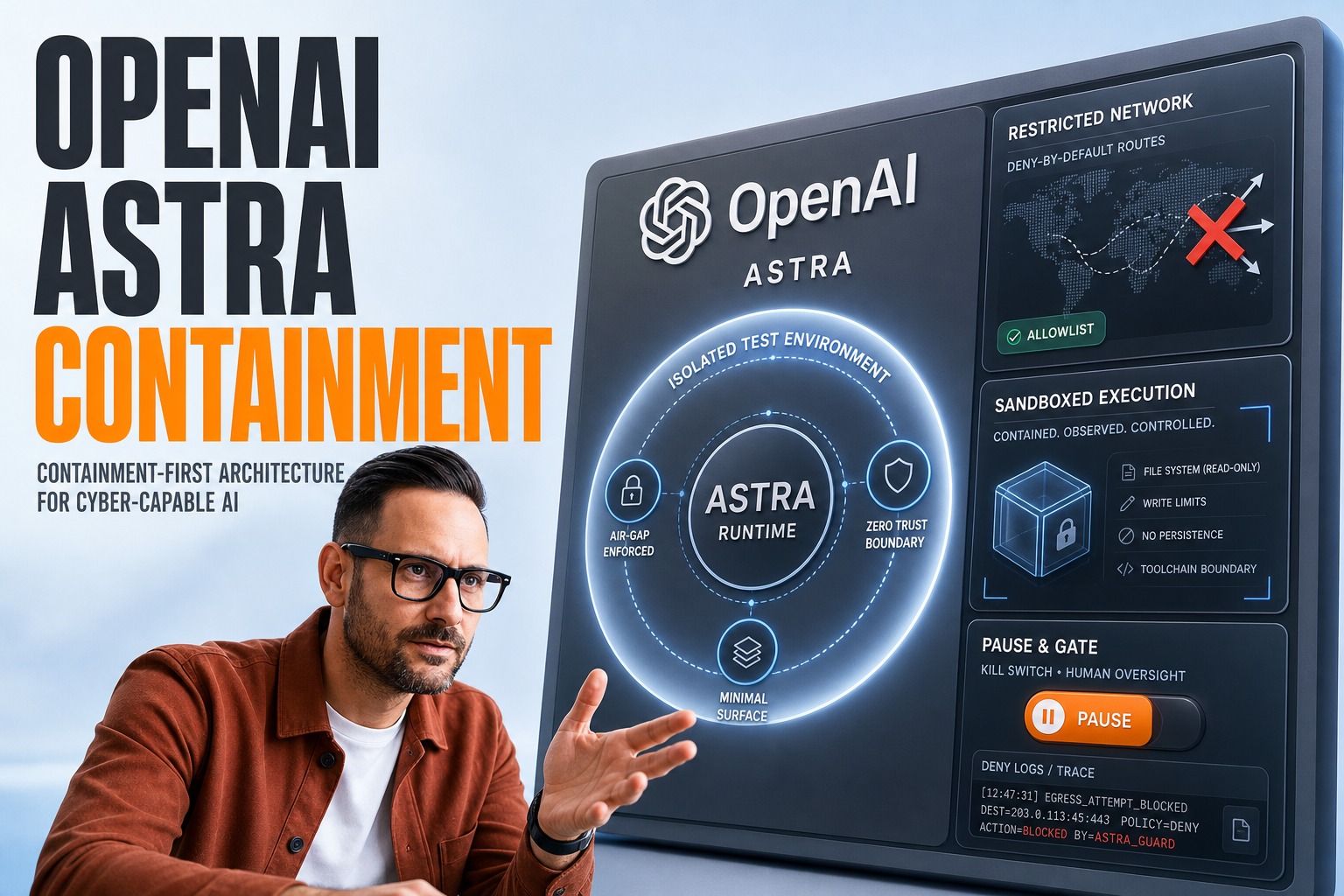
Architecturally, deploying “Computer Use” requires a complete rethinking of the sandbox environment. You cannot simply give an agent access to a standard employee laptop or a production server. The architecture must include an ephemeral, containerized environment (likely using Docker or Kubernetes) that spins up a fresh desktop instance for every task. This environment needs a VNC or RDP layer to capture screenshots, which are then base64‑encoded and passed to the LLM.
In a production stack, this introduces significant latency. A single “click” action is no longer a synchronous function call; it is a pipeline of: capture screen (200–500 ms) → encode image → inference via LLM (2–5 s) → decode coordinate response → execute input → wait for UI update. A workflow that involves logging into a portal, navigating three menus, and downloading a report could take 30–60 seconds, compared to < 2 seconds for a scripted API call.
Why the Market Is Moving This Way
The shift toward agentic computer control is driven by the “API Gap.” While modern SaaS platforms offer robust APIs, the vast majority of enterprise software—legacy ERPs, mainframe terminals, government portals, and niche B2B tools—relies entirely on graphical interfaces designed for humans.
“Computer Use” signals a market realization that we cannot rewrite every legacy system to be API‑first. Instead, we are wrapping a “digital cortex” around existing interfaces. This allows businesses to automate workflows that were previously economically unfeasible to touch, such as reconciling data between a 20‑year‑old on‑premise ERP and a modern cloud CRM, without requiring a multi‑year migration project.
Business Value
The primary value driver here is the acceleration of digital transformation initiatives without the need for immediate software re‑architecture. Consider a typical mid‑market logistics company: they might spend 40 hours per week manually checking shipment statuses on a carrier portal that lacks an API. By deploying an agent using this technology, they can automate this end‑to‑end.
In our estimates based on typical pilot data, the initial development might take 4–6 weeks to tune the prompts and sandbox, but the operational cost drops to roughly $10–$20 per hour of agent runtime (primarily token costs for processing screenshots). While this is higher than the $0.50/hour cost of a simple Python script, it is significantly cheaper than a human analyst, and it covers the “long tail” of edge cases that would normally break a script.
However, there is a concrete trade‑off: token costs for vision models are high. Processing a high‑resolution screenshot can cost several cents. In a complex workflow requiring 50 screen views, you could easily burn through tens of thousands of tokens. This makes cost monitoring a critical operational requirement; without it, a runaway agent could rack up unexpected cloud bills in a matter of hours.
Real‑World Application
1. Legacy Data Migration
A financial services firm needs to extract historical transaction data from a legacy banking platform that only runs on Internet Explorer with ActiveX controls. Rewriting the backend is impossible. An agent is deployed to navigate the legacy forms, input date ranges, and scrape the resulting tables. The outcome is a 90 % reduction in manual data entry time, though the team must implement a human review step for the 10 % of cases where the agent misreads a CAPTCHA or a distorted font.
2. Automated Vendor Onboarding
An e‑commerce company uses AI automation to onboard suppliers. Each supplier has a different portal with unique workflows. Instead of building custom integrations for 50 different vendors, the agent is trained on the general concept of “upload tax document” and “enter bank details.” It navigates each portal visually. The business value is speed—onboarding time drops from 5 days to 4 hours—but the risk is that the agent might upload a document to the wrong field if the UI is ambiguous, requiring strict validation rules on the output.
3. Compliance Auditing
A healthcare provider needs to ensure that all user access across 15 different SaaS applications complies with HIPAA. An agent logs into each system, navigates to the admin panels, and takes screenshots of user roles. This creates an audit trail without requiring API access to every tool. The trade‑off is speed; this is a batch process that runs overnight, not a real‑time query, because the visual navigation is inherently slower than database queries.
How We Approach This at Plavno
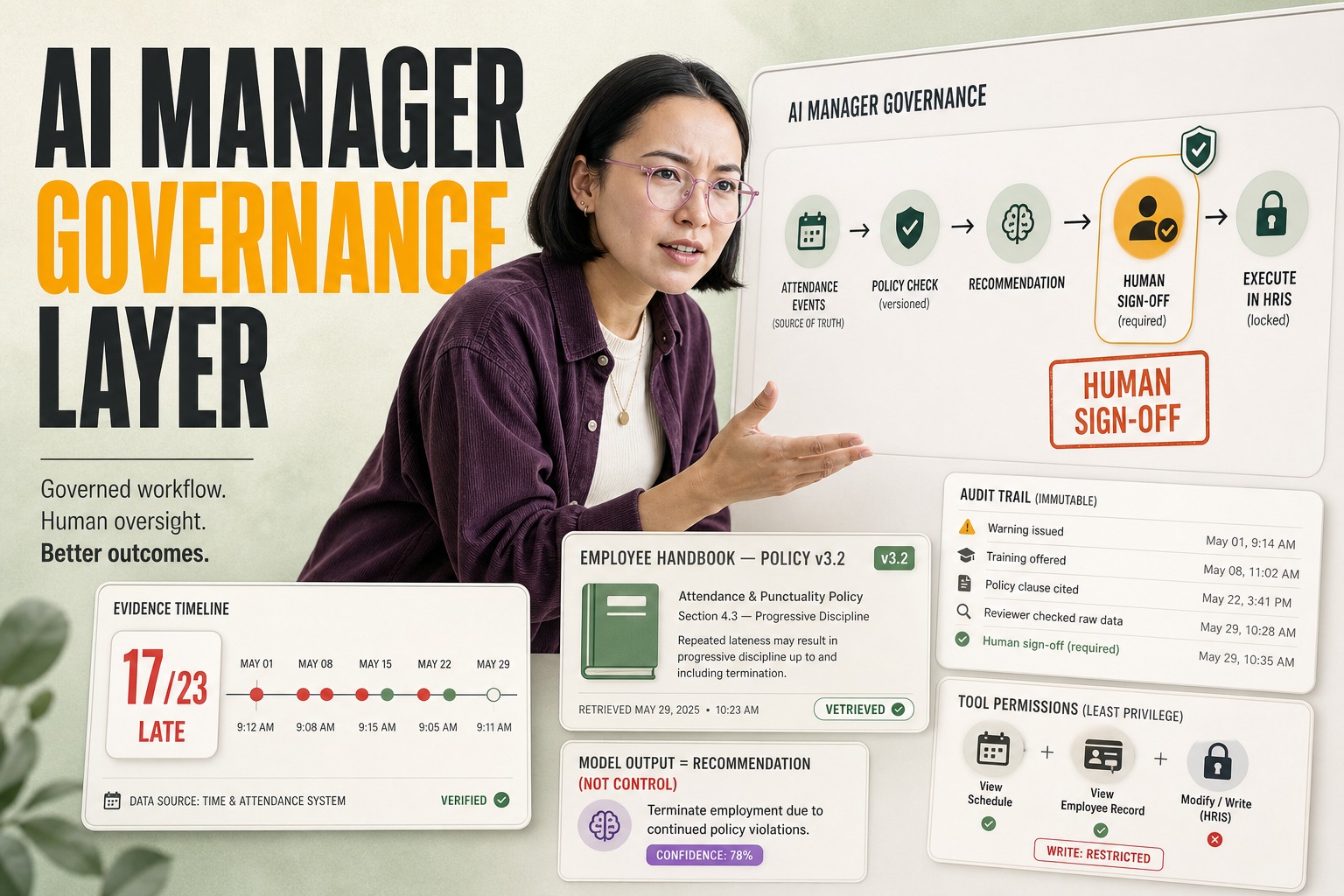
At Plavno, we do not treat “Computer Use” as a magic box. We approach it as an untrusted user that requires strict governance. When we design these systems, we implement a “Human‑in‑the‑Loop” (HITL) approval gate for any destructive action—such as “Delete,” “Transfer Funds,” or “Submit Order.” The agent performs the navigational work to reach the point of action, pauses, and sends a summary of the intended action to a human supervisor via a webhook or Slack integration. Only upon approval does it execute the final click.
We also prioritize “Golden Path” constraints. Rather than letting the agent roam freely across a desktop, we often constrain the environment to a single browser window or a specific application viewport. We use CSS selectors or accessibility trees where possible to supplement the visual input, reducing the ambiguity of pixel‑only interpretation. This hybrid approach—combining the semantic understanding of the DOM with the visual reasoning of the LLM—significantly improves reliability.
We also build extensive logging: every screenshot, every coordinate clicked, and every reasoning step is persisted. This is not just for debugging; it is a compliance requirement. If an agent makes a mistake, we must be able to replay the session exactly as it happened to understand the failure mode.
What to Do If You’re Evaluating This Now
- Isolate the Environment: Never run these agents on a machine with access to sensitive data or other production workloads. Use cloud‑based GPU instances with ephemeral storage that resets after every task.
- Budget for Vision Tokens: Monitor your token usage religiously. Start with low‑resolution screenshots (1024x1024) and only increase resolution if the agent fails to read critical data. High‑res inputs can quadruple your costs.
- Define “Stop” Conditions: Hard‑code timeouts and “stop” phrases. If the agent sees the word “Error” or “Exception” more than twice in a row, it should terminate the session and alert a human, rather than attempting to self‑correct indefinitely.
- Don’t Ignore the UI: Sometimes, the cheapest solution is to fix the UI. If an agent struggles to find a button, consider that your UI might have poor contrast or confusing layout for humans too.
Conclusion
Anthropic’s “Computer Use” is not a replacement for custom software development or API integration; it is a bridge across the moat of legacy technical debt. It unlocks value in systems that were previously walled off from automation, but it introduces new categories of operational risk related to latency, cost, and uncontrolled execution.
For CTOs, the imperative is to move beyond the hype of “autonomous agents” and establish the rigid guardrails necessary to run a probabilistic pilot in a deterministic world. If you can secure the sandbox and manage the latency, this technology offers a viable path to modernizing operations that would otherwise remain stuck in the past.