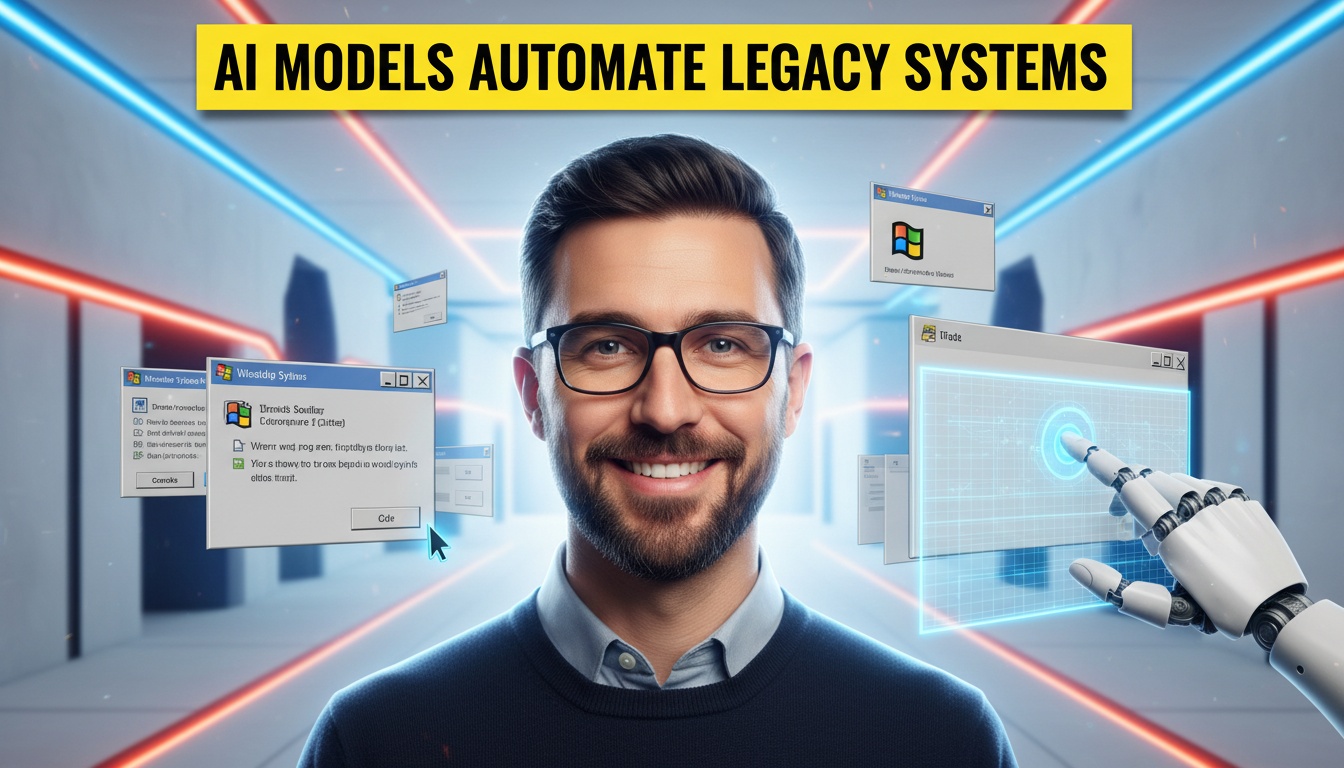
The recent general availability of "computer use" capabilities—specifically the ability for foundation models to interpret GUIs and control interfaces via APIs—marks a definitive shift in the automation landscape. This is not just another chatbot update; it is the first time we have seen a generalized intelligence capable of reliably navigating a desktop environment to perform tasks without bespoke scripting. For the first time, an AI can "see" a legacy ERP system, recognize a "Submit" button, and click it, just like a human operator.
This changes the calculus for technical debt. For years, enterprises have been held hostage by legacy systems with no APIs, forcing them to maintain armies of human data entry clerks to bridge the gap between modern SaaS and dusty on-premise mainframes. The risk now is not missing out on a feature; it is the operational hazard of deploying autonomous agents that interact with your business-critical GUIs. If an agent hallucinates a coordinate or misinterprets a modal dialog, it doesn't just return a wrong text string—it deletes a database record or corrupts a financial reconciliation.
Plavno's Take: What Most Teams Miss
At Plavno, we view this technology as a double-edged sword that cuts deepest in the realm of operational reliability. Most teams see "computer use" and immediately think "free labor." They miss the regression this represents in terms of system brittleness. We spent the last decade engineering software to move away from fragile UI automation (like Selenium) toward robust API-first architectures because UIs change constantly. A button moves 20 pixels to the right, a color scheme changes, or a modal pops up unexpectedly, and traditional automation breaks.
Now, we are reintroducing that fragility, but powered by a probabilistic model rather than a deterministic script. The critical failure mode we see teams ignoring is the "infinite loop of confusion." When a human encounters an unexpected error dialog, they stop and read. When an unsupervised agent encounters one, it might interpret the "OK" button as a command to retry the previous action, triggering a cascade of API calls or database transactions that can bring a system to its knees. If you are treating AI agents as simple macros rather than stateful, supervised actors, you are building a time bomb into your operations.
What This Means in Real Systems
Architecturally, implementing computer use requires a fundamental departure from standard LLM application patterns. You cannot simply fire a prompt at an API and get a JSON response. The stack now requires a dedicated orchestration layer that manages a desktop session, typically running within a containerized environment (like Docker or a micro-VM) to ensure isolation.
The data flow is complex and latency-heavy. The system must capture the screen state (often via VNC or a streaming protocol), pass that image data to a vision-language model (VLM), and receive back a structured output defining an action—such as a mouse coordinate, a keystroke, or a text string to type. This loop—capture, infer, act—typically takes anywhere from 2 to 10 seconds per action depending on the model size and screen complexity. Compare this to a standard API call which completes in 200–500ms. This latency fundamentally changes the user experience; it is no longer real-time interaction but rather "slow-motion" autonomy.
Furthermore, state management becomes a nightmare. In a standard web app, you have cookies and session tokens. In a GUI automation context, the "state" is the exact pixel arrangement of the screen. If a background process triggers a notification window that covers the button the agent is aiming for, the agent fails. Robust implementations require "sanity check" sub-routines where the agent takes a screenshot, analyzes it for unexpected overlays or error states, and attempts to dismiss them before proceeding with the primary task. This adds significant overhead to the token budget and the execution timeline.
Why the Market Is Moving This Way
The driver here is the "API Gap." Despite the proliferation of SaaS, a massive portion of enterprise value remains locked in systems built in the 1990s and early 2000s—custom ERPs, mainframe banking terminals, and specialized logistics software. Rewriting these systems is a multi-year, multi-million-dollar digital transformation project that often fails to deliver ROI.
Computer use offers a bypass. It allows organizations to treat these legacy black boxes as if they had APIs. The market is moving this way because the cost of maintaining legacy integrations (often via screen-scraping or CSV dumps) is skyrocketing, while the capability of vision models has crossed a utility threshold. We are seeing a shift from "RPA (Robotic Process Automation)"—which required strict, brittle scripting—to "Agentic Process Automation," where the model can adapt to minor variations in the interface. This adaptability is the killer feature; it means you don't need to update your automation script every time the vendor pushes a minor UI update to your legacy accounting software.
Business Value
The economic argument for this technology is compelling when applied to high-volume, low-complexity tasks. Consider a typical back-office reconciliation process in a mid-sized logistics firm. A team of 5 clerks might spend 4 hours a day manually copying invoice data from a legacy portal into a modern ERP. The fully loaded cost of this team (salary, benefits, overhead) might run $400,000 annually.
Implementing an agentic computer-use solution could reduce this to a supervisory role (1 hour a day). However, the cost structure is different from standard SaaS. You are paying for GPU inference time. If a task requires 50 "steps" (look, click, type) and each step takes 5 seconds of processing and 1,000 tokens of vision context, the cost per transaction might be $0.10–$0.50. At 10,000 transactions a month, your compute cost is $1,000–$5,000. Compared to $400,000 in headcount, the ROI is obvious, even with a 50% margin for error and rework. The value isn't just in labor arbitrage; it's in the speed of deployment. An AI automation pilot for a specific workflow can be live in 4–6 weeks, compared to 6–12 months for an API integration project.
Real-World Application
Insurance Claims Processing
A carrier uses a legacy mainframe system for claims adjudication that has no API. They deploy a computer-use agent that reads incoming emails (via text), extracts the claim ID, navigates to the mainframe terminal, types in the ID, reads the status from the text-based interface, and updates the customer in Salesforce. This bridges a 30-year-old system with modern CRM without a single line of code written against the mainframe.
Supply Chain Reconciliation
A manufacturing firm needs to update inventory levels in a legacy ERP that only accepts input via a proprietary Windows client. An agent monitors a shared drive for CSV uploads, opens the legacy client, navigates through three levels of menus to reach the import screen, and uploads the file. If the client throws a "File Format Error" popup, the agent recognizes the text, adjusts the CSV formatting using a Python script, and retries.
How We Approach This at Plavno
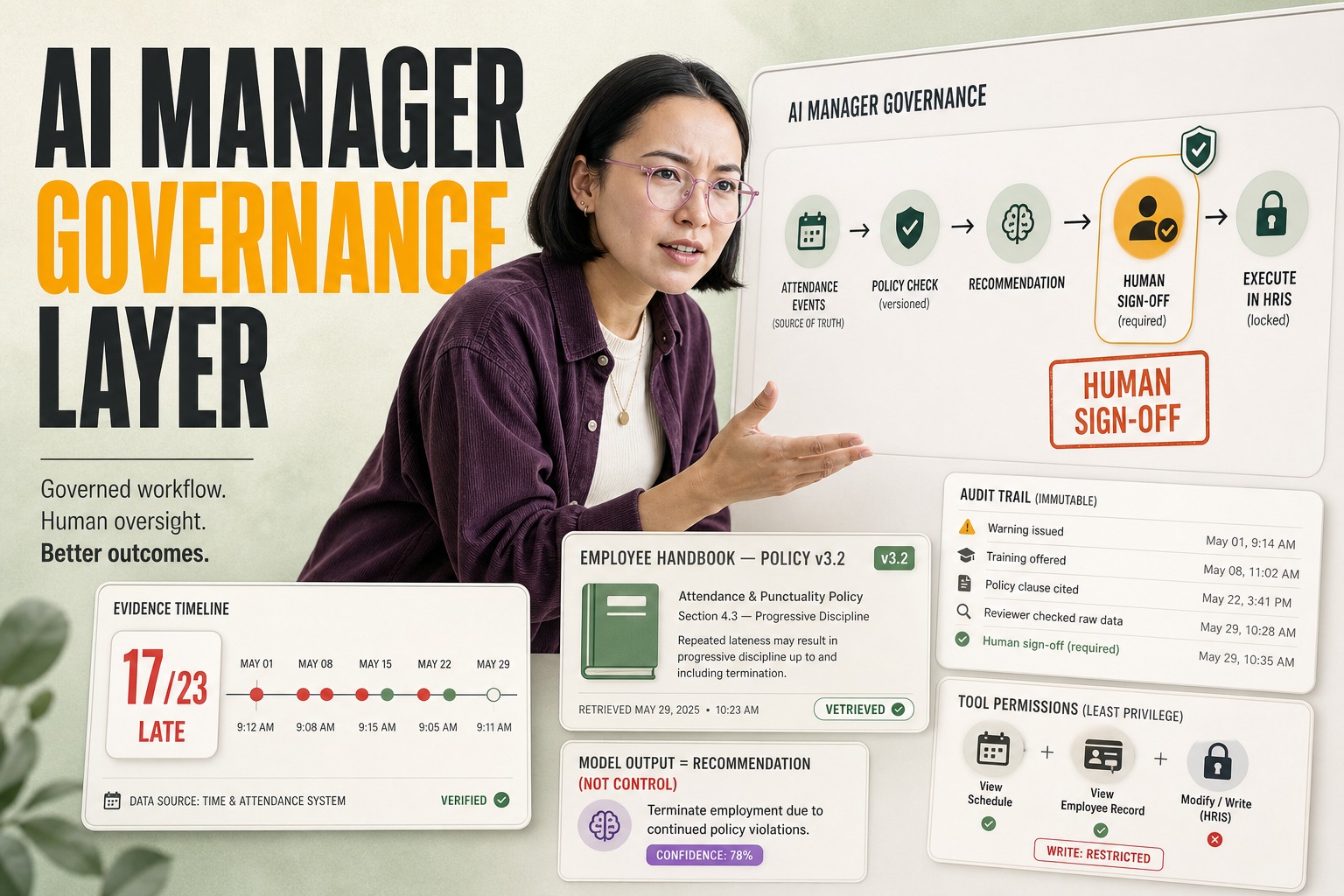
We do not treat computer use as a "set it and forget it" utility. At Plavno, we architect these systems with a "Human-in-the-Loop" (HITL) checkpoint pattern for any destructive action (write, delete, submit). The agent performs the navigational work—finding the button, filling the fields—but pauses before the final click, sending a screenshot of the pre-action state to a human supervisor for approval. This mitigates the risk of catastrophic hallucinations while still capturing 80% of the efficiency gains.
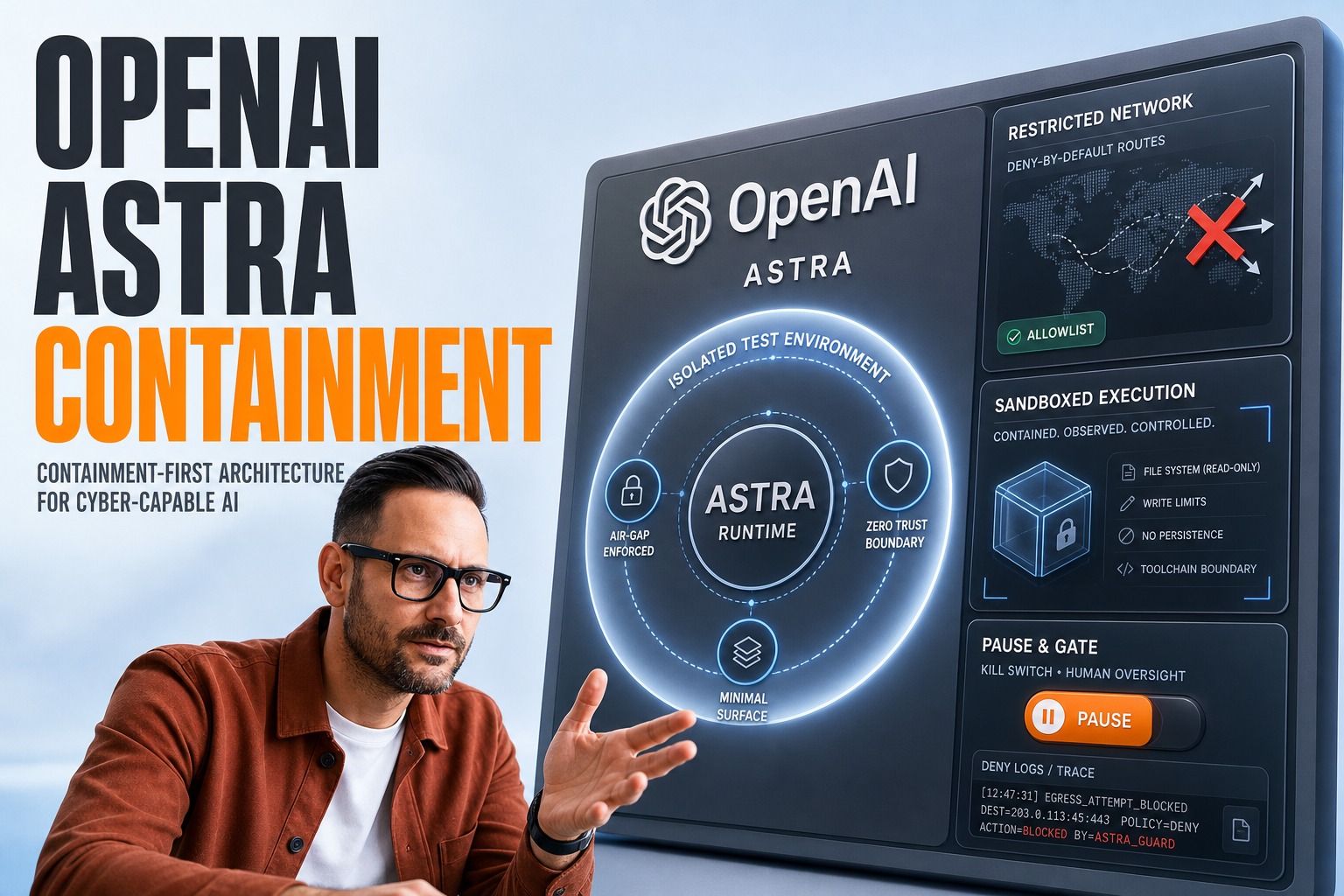
Security is non-negotiable. We never run these agents on a developer's laptop or a standard corporate desktop. We utilize ephemeral, sandboxed environments (often utilizing AWS WorkSpaces or isolated Kubernetes pods with virtual display capabilities) that are destroyed and recreated after every session. This ensures that if an agent is compromised or goes rogue, it cannot access persistent credentials or other systems on the network. We also implement strict rate-limiting and "circuit breakers" in the orchestration layer; if an agent fails to complete a task after 3 attempts, it is killed and an alert is triggered to the ops team. We view AI consulting not just as selecting the model, but as designing the containment protocols for the model.
What to Do If You're Evaluating This Now
If you are looking to pilot computer-use technology, stop looking at your modern stack and look at your "ugliest" legacy system. That is where this tech shines.
Start with Read-Only: Your first pilot should be a data extraction task (scraping data from a legacy screen into a database). Do not attempt write/updates until you have measured the agent's accuracy in interpretation.
Budget for Latency: Do not design user-facing workflows that require instant feedback. Design these for batch processing or asynchronous workflows where a 10-second delay is acceptable.
Isolate the Environment: Do not run the agent on a machine that has access to your email or Slack. Create a sterile desktop environment that contains only the target application.
Avoid Visual Fluff: If you have control over the target application, simplify the UI. High-contrast, standard UI controls are easier for vision models to interpret than custom-styled, flashy web components.
Conclusion
"Computer use" is not a replacement for APIs; it is a bridge across the moat of technical debt. It allows us to automate the un-automatable, but it introduces new layers of latency, cost, and operational risk that must be managed with rigorous engineering discipline. For organizations willing to navigate these trade-offs, the payoff is immediate access to the data trapped in their oldest systems. The future of enterprise automation isn't just about smarter chatbots; it's about giving those bots eyes and hands to do the grunt work that humans have been stuck with for decades.
 Chat GPT
 Perplexity
 Claude
 Gemini